

Introduction
Managing time efficiently is crucial for students, professionals, and anyone aiming to improve productivity. Our Pomodoro Timer Online helps you structure your work into focused sessions, making it easier to stay on track. With this timer, you can implement the Pomodoro Technique to complete tasks efficiently and reduce procrastination.
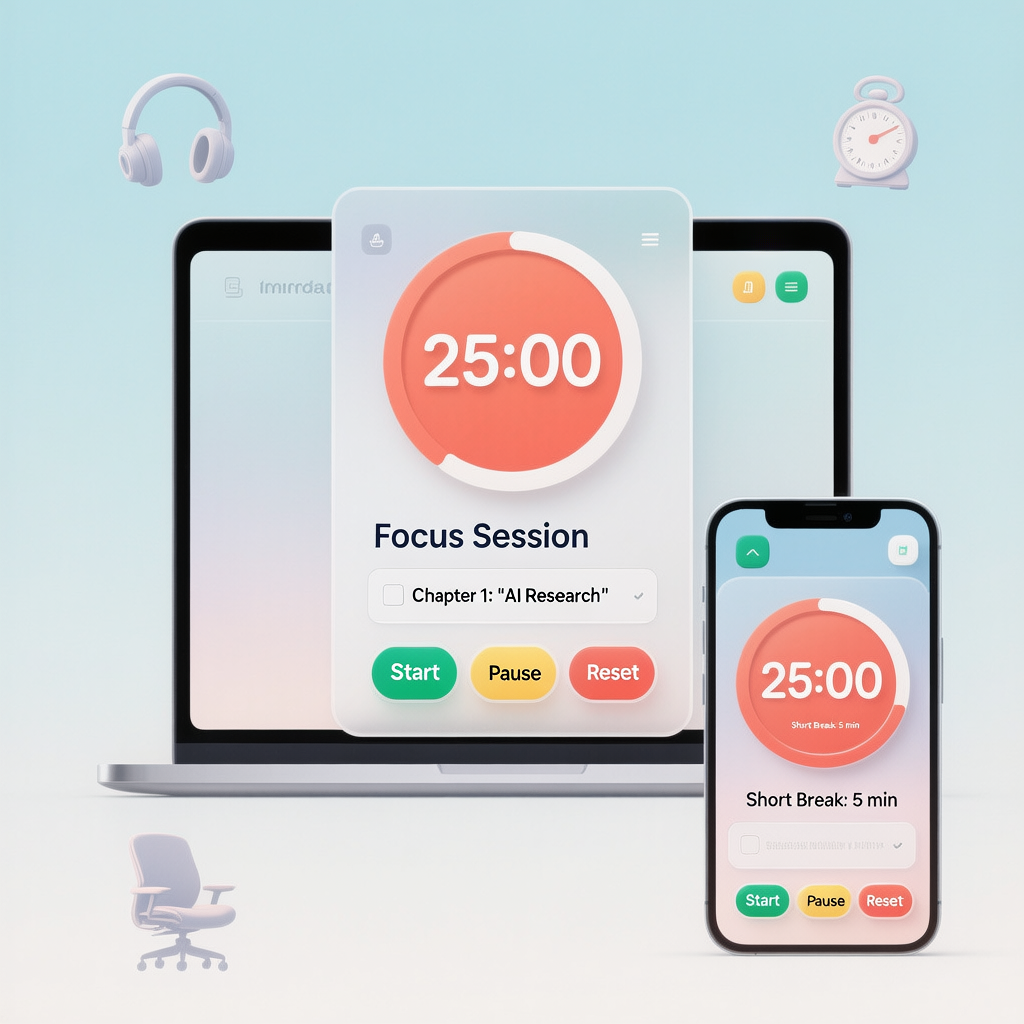
What is the Pomodoro Technique?
The Pomodoro Technique is a time management method developed to improve focus and productivity. It involves working in 25-minute intervals followed by short breaks. This cycle helps prevent burnout, improves concentration, and allows you to manage tasks effectively.
Using a Pomodoro Timer Online ensures that you can follow this technique digitally without needing manual timers.
Benefits of Using a Pomodoro Timer Online
- Improves Focus: Track your tasks and maintain concentration during each session.
- Reduces Procrastination: Breaking work into smaller intervals makes tasks more manageable.
- Boosts Productivity: Scheduled breaks and focused work cycles help complete more tasks.
- Tracks Progress: Measure how many Pomodoro sessions you complete in a day.
Recommended Tools to Enhance Productivity
To get the best results while using the Pomodoro Timer Online, you can combine it with these tools:
- Noise-Canceling Headphones
- Helps block distractions and improves focus during work or study sessions.
- Amazon Link: https://amzn.to/3LYHZCR
- Digital Desk Timer
- A physical timer for those who prefer a visible countdown while using Pomodoro sessions.
- Amazon Link: https://amzn.to/3LSDLwv
- Ergonomic Office Chair
- Comfortable seating ensures longer focus periods without discomfort.
- Amazon Link: https://amzn.to/4iukJcl
How to Use Our Pomodoro Timer Online
- Visit Pomodoro Timer Online.
- Set your desired work session duration (default 25 minutes).
- Click Start Timer to begin your focused work session.
- Take a short break after the session ends.
- Repeat the cycle for multiple sessions to maintain productivity.
This simple interface makes it easy for beginners and advanced users to implement the Pomodoro Technique digitally.
Tips for Effective Pomodoro Sessions
- Minimize distractions: turn off phone notifications or use focus mode.
- Stick to the 25-minute work interval and 5-minute breaks for maximum efficiency.
- Track your completed sessions to monitor productivity trends.
- Combine with tools like noise-canceling headphones and ergonomic chairs for a better experience.
Conclusion
Our Pomodoro Timer Online is a free, easy-to-use tool designed to help you improve focus and productivity. Whether you are a student, freelancer, or professional, using this timer along with recommended tools such as Noise-Canceling Headphones, Digital Desk Timer, and Ergonomic Office Chair can significantly enhance your work efficiency.
Start using the Pomodoro Timer today to manage your time better and accomplish more in less time.